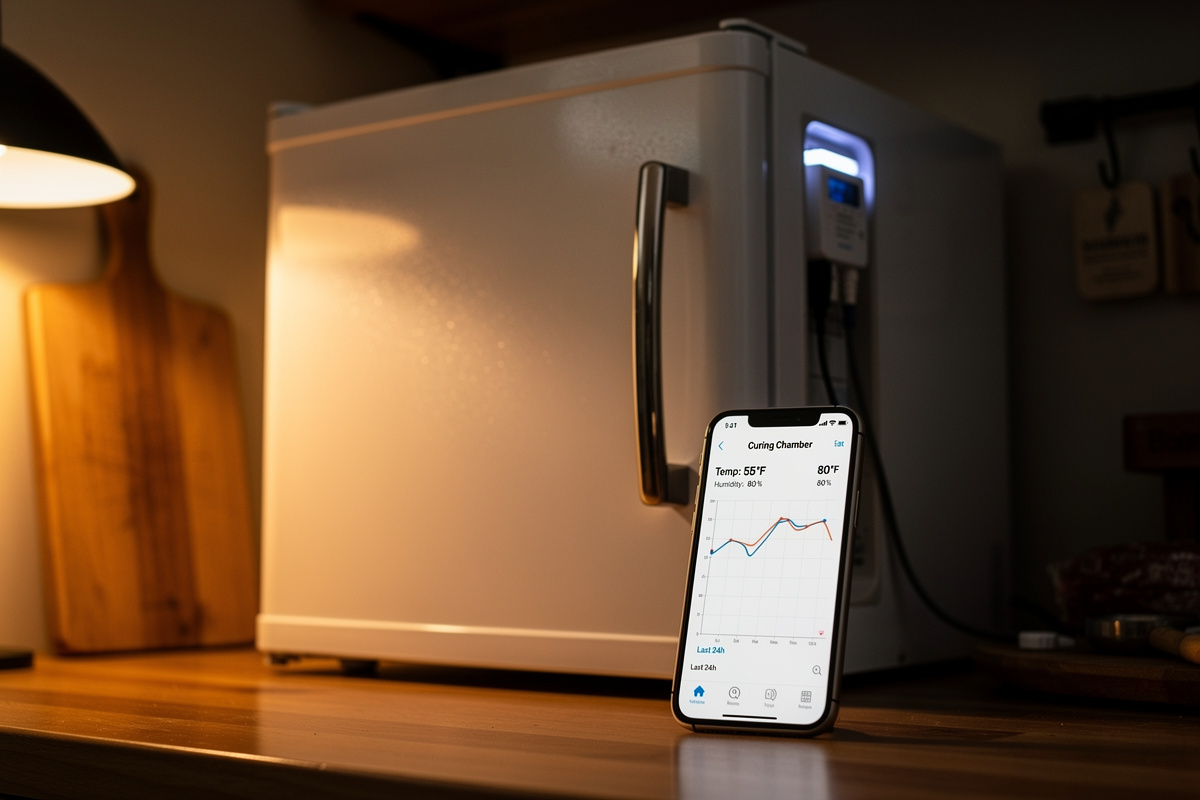

The best way to log curing chamber data without opening the door is a wireless sensor that streams temperature and humidity to your phone — a Bluetooth logger like SwitchBot or a WiFi-gateway sensor like SensorPush. Every door-open dumps your climate; remote logging lets you watch a four-week cure without ever breaking the envelope.
Opening the door to read a hygrometer is the most self-defeating habit in home charcuterie. You crack the seal, warm dry room air rushes in, the chamber swings, and it takes the controllers an hour to claw back — all to read a number a $30 sensor could have sent to your phone. Across the chambers I run, everything reports to a dashboard I check from the couch. Here is how to set up remote data logging, which connectivity to choose, and how to read the logs to catch problems early.
Why Opening the Door Is the Problem
Every time you open a curing chamber, you replace its carefully held 55°F / 75% RH air with whatever your room is — usually warmer and far drier — and the temperature and humidity swing instantly. The controllers then spend 30–60 minutes recovering, and repeated through a cure those swings stress the surface of the meat.
This is why curious daily door-opening does real harm. Warm dry winter room air dropped into a chamber spikes evaporation off the meat surface and nudges it toward case hardening; humid summer air does the opposite. Either way you have disturbed the envelope the whole build exists to hold steady, as laid out in the climate control guide. The fix is not discipline — it is making the door unnecessary by streaming the data out, so the only reason to open up is to weigh a piece or spray mold culture.
Choosing Connectivity: Bluetooth, WiFi, or Gateway
Remote logging sensors differ mainly in how their signal reaches you: Bluetooth sensors log locally and sync when your phone is nearby; WiFi or gateway sensors push to the cloud so you can watch from anywhere and get instant alerts. For a chamber in a garage or basement, a gateway that bridges the sensor to your network is the upgrade that matters.
Bluetooth-only loggers like the Inkbird IBS-TH series, a SwitchBot temperature and humidity sensor, and Govee are cheap and keep weeks of history on-device; the catch is you must be within range to sync, which is fine if the chamber is in the kitchen but useless if it is two floors down. A gateway or hub (SwitchBot Hub, SensorPush WiFi Gateway) bridges those sensors to your home network, turning local logging into live remote monitoring with push alerts when the chamber drifts out of band. That alerting is the real prize: a phone buzz at 2 a.m. when RH climbs past 85% has saved more than one of my batches. Choosing and placing the sensors themselves is its own guide in smart temperature and humidity sensors for curing chambers.
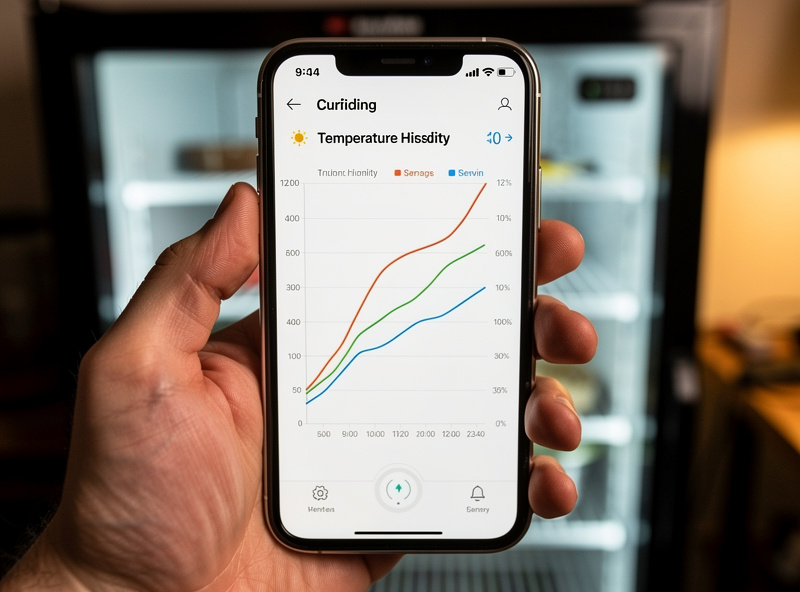
A wireless data-logging hygrometer with a gateway is the setup I trust for a chamber far from where I sit.
Disclosure: CuringChamber is reader-supported. As an Amazon Associate I earn from qualifying purchases made through links in this article, at no extra cost to you. I only point to gear I actually use or would buy for my own chamber.
Data Logging Options Compared
The trade is cost versus reach and alerting. Bluetooth loggers are cheapest but tethered to phone range; gateway and WiFi options cost more but watch the chamber from anywhere and warn you before a drift becomes a ruined cure.
| Type | Range | Needs gateway? | History / alerts | Best for |
|---|---|---|---|---|
| Bluetooth logger (Inkbird IBS-TH, Govee) | ~tens of feet | No (phone in range) | Weeks on-device, no remote alert | Chamber near where you live |
| SwitchBot + Hub | Whole-home via hub | Yes, for remote | Cloud history + push alerts | Garage/basement chambers |
| SensorPush + WiFi gateway | Whole-home via gateway | Yes, for remote | Long cloud history + alerts | Reference-grade remote logging |
| WiFi sensor (direct) | WiFi coverage | Built in | Cloud history + alerts | Strong WiFi at the chamber |
| Wired USB datalogger | Cable length | No | Export to CSV, no live alert | Lab-style record keeping |
Pulling It All Into One Dashboard
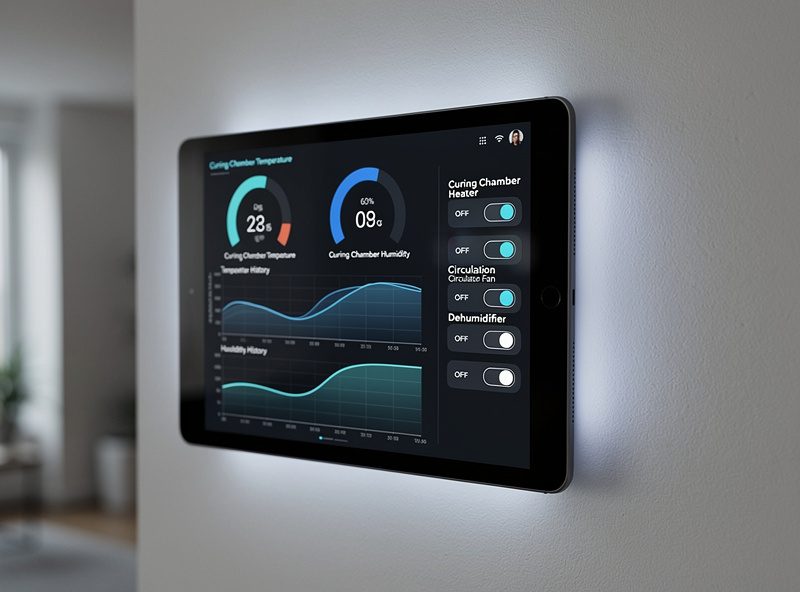
The next level is a single dashboard that shows chamber temperature, humidity, and the state of every plug at a glance. I surface all my sensors through Home Assistant, the same hub that schedules the compressor and fan, so one screen tells me the chamber is at 55°F, 76% RH, with the fan mid-cycle — no door, no guessing.
Most Bluetooth and WiFi sensors integrate into Home Assistant directly or through their gateway, and once they are in you can graph weeks of history, set custom alerts, and even automate responses — trigger the dehumidifier plug when RH crosses a threshold rather than waiting on the humidistat alone. That ties the monitoring layer to the control layer covered in smart plug schedules for curing chambers. It is the same polymath trick I use elsewhere: the hub that runs the grow lights runs the chamber’s compressor and fan cycle too. You do not need Home Assistant to log data, but it is what turns a handful of sensors into one calm dashboard.
Reading the Logs to Catch Problems
A 24-hour graph of temperature and humidity tells you more than any spot reading, because problems show up as patterns. A gentle sawtooth in temperature every 2–4 hours is normal compressor cycling; sharp humidity drops every 6–8 hours are an auto-defrost cycle dumping moisture; a flat high-humidity line with no humidifier output is the boundary-layer dead-air problem.
Logged data is a diagnostic tool, not just a record. When a piece misbehaves, the graph usually shows why: a humidity creep from 75% to 85% across July is summer ambient overwhelming the chamber; a daily temperature spike at the same hour is sun on a garage wall; a saw-tooth that suddenly widened is a controller probe drifting and needing the salt-test calibration. Reading these patterns is how I diagnose without opening the door, and it is exactly the analysis the climate control hub walks through. The logs also confirm the boring good news — a flat, steady line for four weeks is what a healthy cure looks like.
Setting Alerts That Actually Help
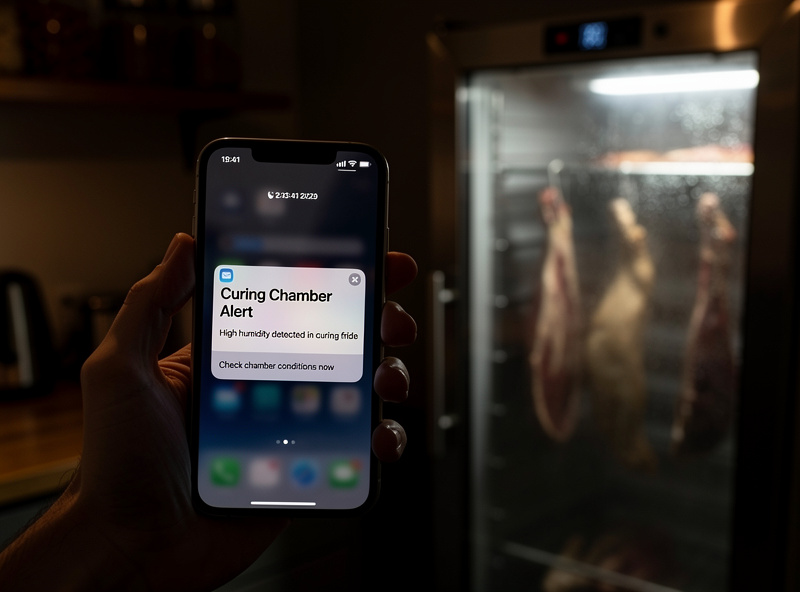
Set alerts at the edges of your safe band, not at target, so you are warned only when something is genuinely wrong. For a salami drying chamber that means a high-humidity alert around 85% RH, a low-humidity alert around 65%, and a high-temperature alert a few degrees above 60°F to catch a failed compressor before the meat warms into the danger zone.
The temperature alert is the safety-critical one. If the compressor or controller fails and the chamber climbs toward room temperature, hours matter — a high-temp push notification lets you intervene before a chamber full of curing meat sits warm long enough to be unsafe. I keep that alert tight and I test it. Humidity alerts are about saving the batch from mold or case hardening rather than safety, but they still earn their place. Pair good alerts with calibrated sensors — an alert from a drifted sensor is a false alarm or, worse, a missed real one — and the whole controller-and-sensor stack finally runs itself.
Frequently Asked Questions
What is the best data logger for a curing chamber?
A wireless temperature and humidity sensor that streams to your phone is best. Bluetooth loggers like SwitchBot, Govee, or the Inkbird IBS-TH series are cheap and keep weeks of history; SensorPush or SwitchBot paired with a WiFi gateway add remote monitoring and push alerts from anywhere, which is ideal for a garage or basement chamber.
Why should I avoid opening the curing chamber door?
Every door-open replaces the held 55 degrees F, 75 percent RH air with warmer, drier room air, swinging temperature and humidity instantly. The controllers then take 30 to 60 minutes to recover, and repeated swings stress the meat surface toward case hardening. Remote logging lets you read the chamber without breaking the envelope.
Do I need a gateway for remote curing chamber monitoring?
For a chamber far from where you spend time, yes. Bluetooth-only sensors log locally but only sync when your phone is in range. A gateway or hub bridges the sensor to your home network, giving live remote readings and push alerts from anywhere. If the chamber is in your kitchen, Bluetooth alone may be enough.
Can I connect a curing chamber to Home Assistant?
Yes. Most Bluetooth and WiFi temperature and humidity sensors integrate into Home Assistant directly or through their gateway. Once connected you can graph weeks of history, set custom alerts, and automate responses like triggering a dehumidifier plug when humidity crosses a threshold, all on one dashboard alongside your smart plugs.
What do curing chamber logs tell me?
Patterns reveal problems. A gentle temperature sawtooth every 2 to 4 hours is normal compressor cycling. Sharp humidity drops every 6 to 8 hours are auto-defrost cycles. A flat high-humidity line with no humidifier output is boundary-layer dead air. A slow humidity creep over weeks is usually seasonal ambient overwhelming the chamber.
What alerts should I set for a curing chamber?
Set alerts at the edges of your safe band, not at target. For salami drying that means high-humidity around 85 percent RH, low-humidity around 65 percent, and a high-temperature alert a few degrees above 60 degrees F. The temperature alert is safety-critical: it warns you if the compressor fails before the meat warms into the danger zone.
How long do wireless curing chamber sensors store data?
Most Bluetooth loggers store several weeks of readings on the device and sync the backlog when your phone connects. Gateway and WiFi sensors push to the cloud for months or years of history. Either way you get a continuous record of a full multi-week cure without ever opening the chamber door to check.
Related Articles
- Smart Temperature and Humidity Sensors for Curing Chambers — choosing and placing the sensors you log from.
- Calibrate Curing Chamber Sensors: Salt and Ice Tests — make sure the logged numbers are true.
- Smart Plug Schedules for Curing Chambers — automating compressor and fan from the same hub.
- Curing Chamber Climate Control: The Complete Guide — reading chamber logs to diagnose.
- Inkbird vs Auber vs Willhi Curing Chamber Controller — the controllers your dashboard watches.